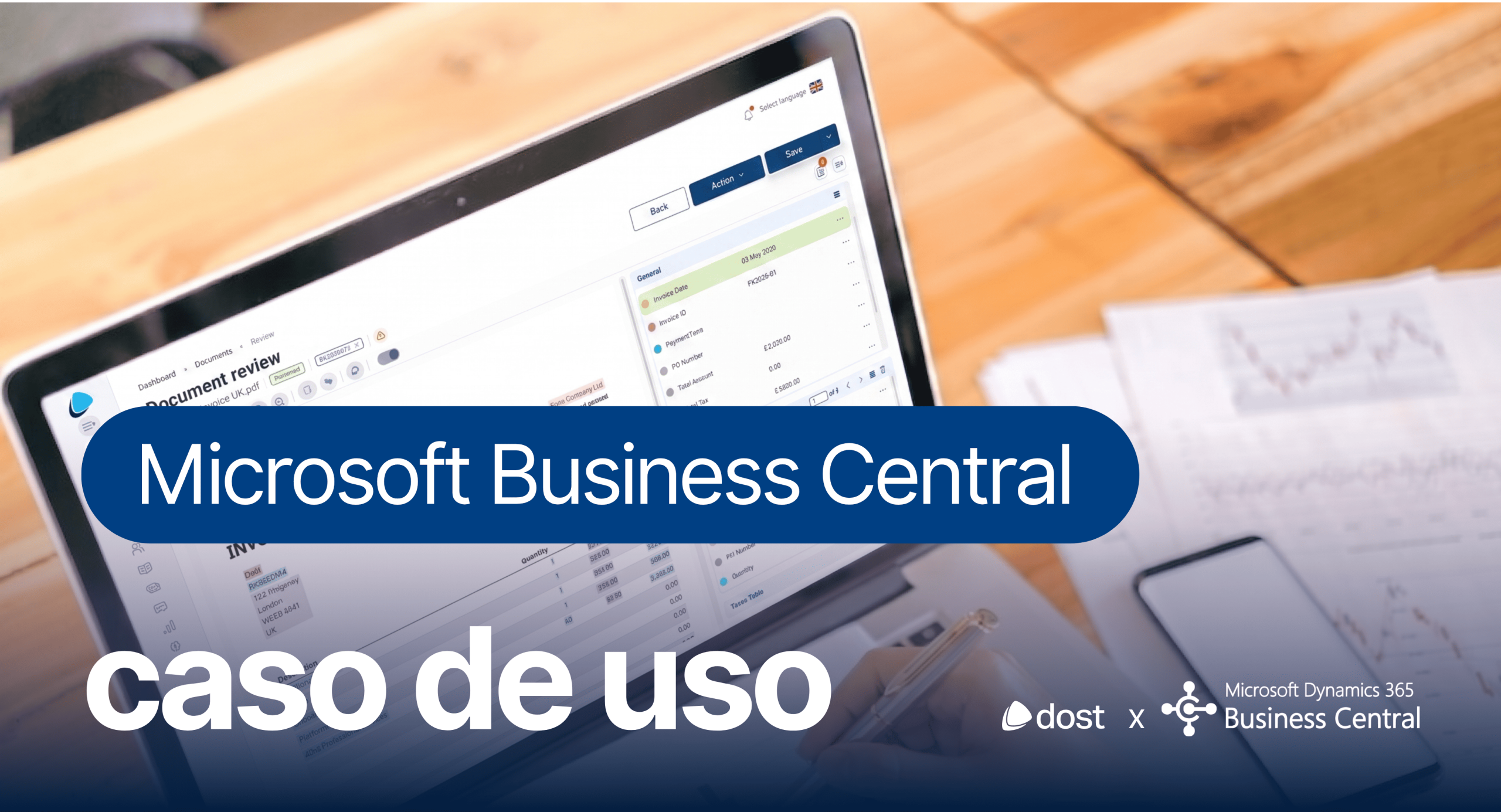
- How companies equipped with Microsoft Dynamics 365 Business Central are reducing accounts payable time by 70%, and why most still aren't.
Processing an invoice manually costs between €15 and €20 per document, according to the Ardent Partners AP Pulse 2024 study. For a company that receives 5.000 invoices a year, that's up to €100.000 annually in work that adds no strategic value to the business.
And the real cost isn't just financial. The average manual approval cycle reaches 15 days. Nearly 39% of invoices contain at least one error. And over 70% of finance teams' time is still consumed by repetitive operational tasks in accounts payable.
- The Business Central Paradox
Microsoft Dynamics 365 Business Central is an excellent platform for accounting, purchasing, and financial control. But the layer before that—invoice capture, data extraction, assignment of general ledger accounts, reconciliation with purchase orders and delivery notes, and approval workflows—remains manual in most companies.
Those that rely on template-based OCR are well aware of the limitation: each new provider requires a new configuration, each format change breaks the extraction, and reconciliation is done only at the totals level, never line by line.
- Three paths, and why none of them is enough
After more than 50 evaluations with finance teams already using Business Central, three approaches emerged repeatedly. And none of them covered the entire cycle:
- OCR by templates. It offers basic extraction but requires manual configuration for each new vendor. Exceptions end up being the norm.
- Modules embedded in the ERP. They integrate natively with Business Central, but inherit its functional limitations: no generative AI, no vendor portal, no line-by-line matching. And their pricing model scales aggressively as new modules are activated.
- Custom development with BC's partnerIt's the most flexible option on paper, but the most expensive in practice. Projects drag on, budgets spiral out of control, and a dependence on the partner limits operational autonomy.
- What the chief financial officers tell us
Three observations are repeated in conversations with CFOs:
- "The real problem with matching isn't the totals. It's the lines."
- "The migration to Business Central is the most missed opportunity. Companies modernize their ERP system, but maintain the same manual processes underneath."
- "A CFO doesn't ask for automation. He asks for reliable, real-time data."
- What does a real automation layer look like?
Imagine a workflow where invoices arrive via email, scanned, or e-invoicing and are processed automatically. Native AI extracts each piece of data, maps it to the relevant Business Central fields, and automatically reconciles it with the purchase order and delivery note, even for partial deliveries. If everything matches, the journal entry is automatically posted to Business Central with the corresponding accounting accounts and analytical dimensions already assigned. If there's a discrepancy, an alert is sent to the approver with all the necessary context to make a decision in a single click, from any device.
This is exactly what companies like VICIO, Grupo Cardoner, Housfy or IASO already have in production with Dost.
"What used to take our team a week now takes only minutes, and nobody has to double-check anything.— Samuel Nájera, Head of Accounting & Treasury, VICIO
- Download the full use case
If you manage accounts payable for a company that already has Business Central, the full use case details:
- The hidden costs of manual treatment and its impact on monthly closing
- The real limitations of the three most common approaches
- Key criteria for evaluating a native automation platform for BC
- Lessons learned from over 50 assessments with financial teams
- A functional comparison between OCR, embedded modules, and a dedicated platform